
Screenshots

App details
- Version
- 1.2
- Size
- 7.07 MB
- Updated
- October 1, 2018
- Requires
- Windows 2000
- Language
- English
- License
- Trial version
- Developer
- More programs (5)
- Category
- Windows OS
SoftPas in:
This product is also available in the following languages:
About Data Recovery Pro
Download Data Recovery Pro – Secure, Fast & Reliable File Recovery Software for Windows, Mac, Android, iOS
Why Data Recovery Pro is the Top Choice for Recovering Lost Files
When files vanish from your computer, USB drive, or digital camera, panic often follows. Whether it's a crucial work document, cherished family photos, or important music files, losing data can be devastating. That’s where Data Recovery Pro steps in as a powerful, reliable solution designed to bring back your lost data across multiple platforms. Developed by ParetoLogic, this software is engineered for both personal and professional use, offering a seamless recovery experience on Windows, Mac, Android, and iOS devices. With its advanced scanning algorithms and intuitive interface, Data Recovery Pro can retrieve files from a wide range of storage media, including hard drives, SSDs, memory cards, USB flash drives, and even digital cameras.
One of the standout features of Data Recovery Pro is its ability to recover files even after a drive has been newly formatted or partitioned. This makes it an ideal tool for users who accidentally erase data or perform a system reset without proper backup. The software supports recovery of over 300 file types, including documents, photos, videos, audio files, archives, and databases. Whether you've deleted a file from the Recycle Bin, suffered a system crash, or experienced a corrupted drive, Data Recovery Pro uses deep-scan technology to locate and restore your files with high success rates. Its user-friendly design ensures that even beginners can navigate the recovery process without technical expertise, making it a top choice for everyday users and IT professionals alike.
With a free trial version available, you can test the software’s capabilities before purchasing. The trial allows you to preview recovered files and assess the tool’s performance on your specific storage device. This transparency builds trust and ensures you’re investing in a solution that truly works for your needs. Whether you're recovering data from a failing laptop or retrieving vacation photos from a damaged SD card, Data Recovery Pro delivers consistent, secure results. For anyone seeking a dependable, fast, and efficient way to recover lost data, this software stands out as a must-have tool in your digital toolkit.
Powerful Features That Make Data Recovery Pro Stand Out
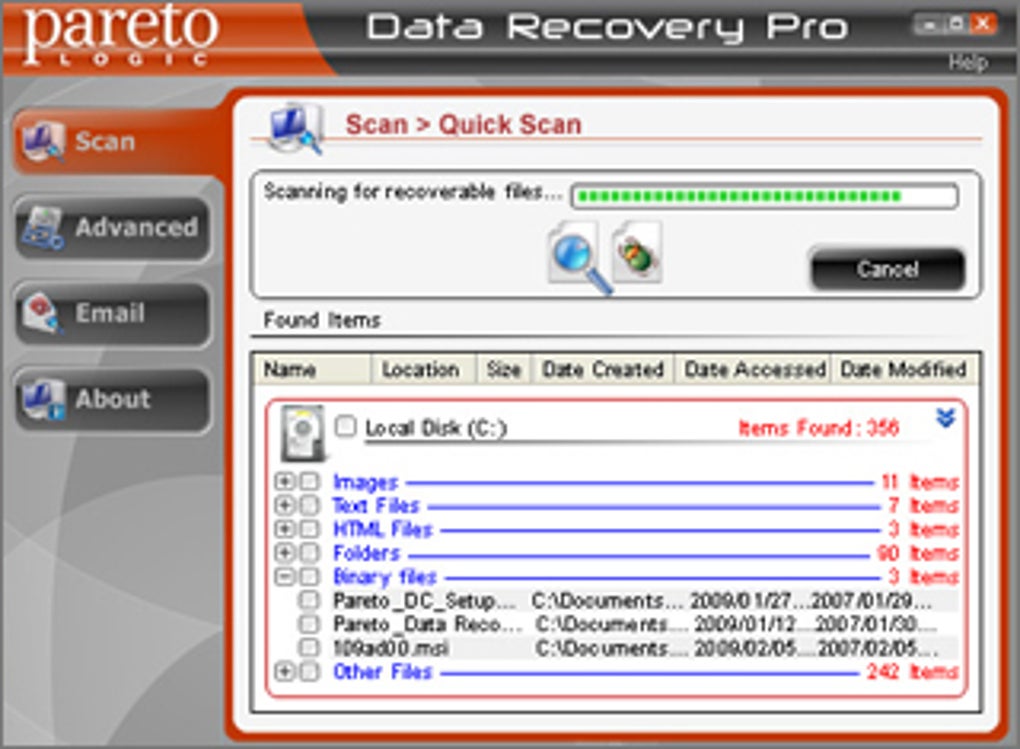
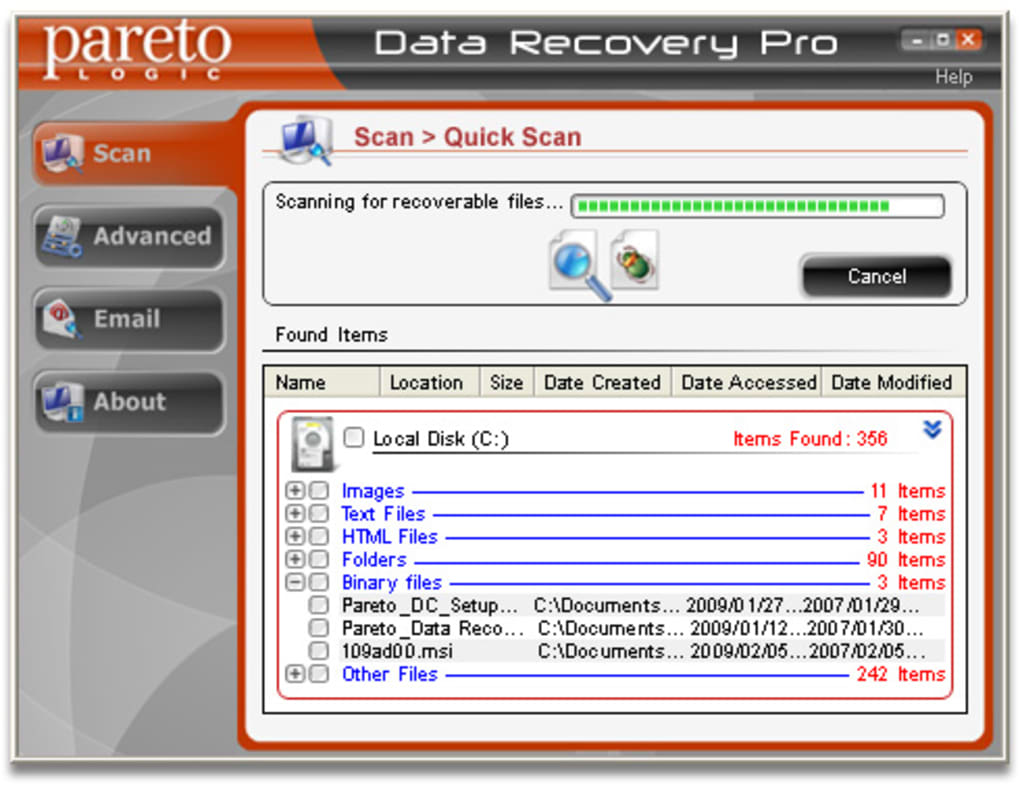
Data Recovery Pro isn’t just another file recovery tool—it’s a comprehensive data rescue solution packed with intelligent features designed for maximum efficiency and reliability. One of the most valuable features is its Advanced Deep Scan Technology, which goes beyond surface-level searches to recover files that have been overwritten or buried deep within corrupted sectors. This ensures that even files thought to be permanently lost can be retrieved with high accuracy. The software also supports Quick Scan Mode, ideal for recently deleted files, significantly reducing recovery time while maintaining high success rates.
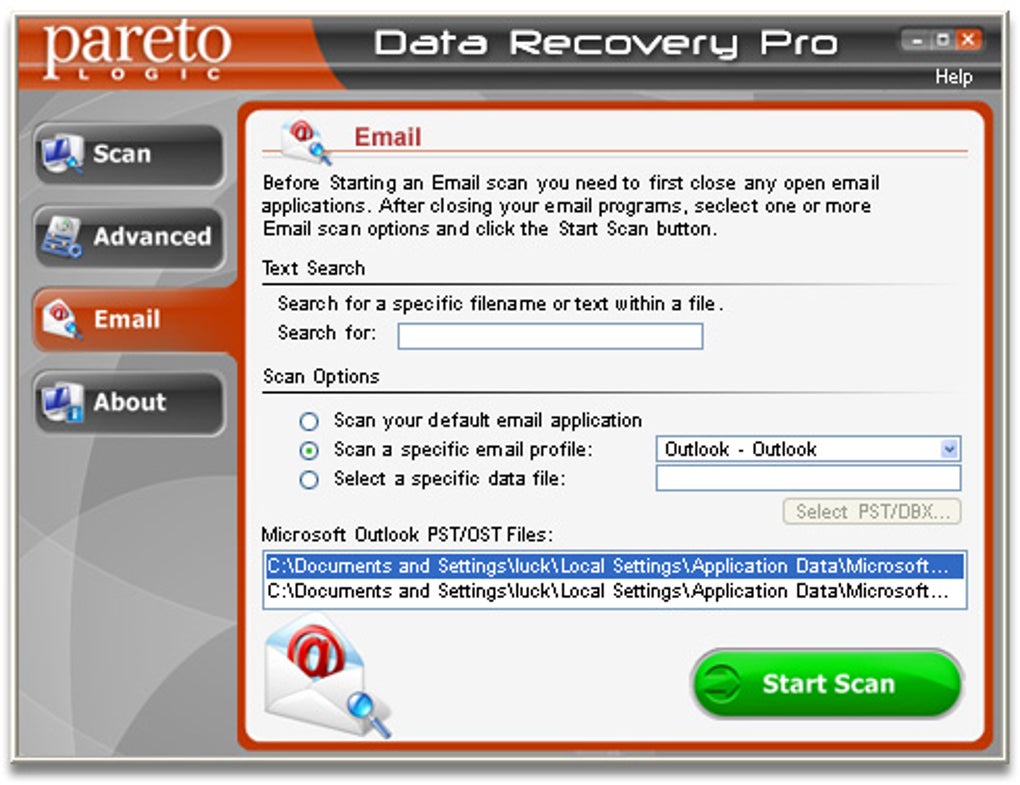
Another standout feature is the File Preview Functionality. Before restoring any file, users can preview images, videos, documents, and audio files directly within the software. This eliminates the need to restore entire folders just to find a single file, saving time and storage space. The Text Search Option allows users to search for specific keywords or phrases inside documents, making it easier to locate important files like contracts, emails, or spreadsheets. This is especially useful in large-scale recovery scenarios where manual browsing would be impractical.
For users working across multiple devices, Data Recovery Pro offers Multi-Device Support, enabling recovery from external hard drives, USB flash drives, SD cards, memory sticks, and even mobile devices like Android phones and iOS tablets. The software also includes Partition Recovery and Formatted Drive Recovery capabilities, which are essential when dealing with corrupted or repartitioned drives. Additionally, the Safe Recovery Mode ensures that no new data is written to the source drive during scanning, preserving the integrity of the original file system. These features, combined with a clean, intuitive interface, make Data Recovery Pro one of the most versatile and user-friendly recovery tools on the market today.
How to Install and Use Data Recovery Pro for Maximum Results
Getting started with Data Recovery Pro is straightforward, even for users with minimal technical experience. First, download the software from the official ParetoLogic website. The installation process is quick and guided, requiring only a few clicks to complete. Once installed, launch the application and select the storage device you want to scan—this could be your internal hard drive, an external USB drive, a memory card, or a mobile device connected via USB.
After selecting the device, choose between Quick Scan for recently deleted files or Deep Scan for more complex recovery situations. The software will begin scanning the selected drive, displaying real-time progress. During the scan, you can pause or stop the process at any time. Once the scan completes, a comprehensive list of recoverable files appears, categorized by file type and location. Use the Preview function to verify the integrity of files before recovery. This step is crucial to avoid restoring corrupted or incomplete files.
To restore your files, simply select the desired items and choose a safe destination—ideally, a different drive or folder to prevent overwriting original data. Avoid saving recovered files back to the same drive from which they were deleted. After the recovery process finishes, you’ll have full access to your restored data. For optimal results, it’s recommended to install Data Recovery Pro immediately after data loss and avoid using the affected drive until recovery is complete. Regular use of the software for backup verification or system maintenance can also help prevent future data loss.
Compatibility and System Requirements for Seamless Performance
Data Recovery Pro is built to work across a wide range of operating systems and devices, ensuring broad accessibility for all users. The software is fully compatible with Windows 10, 11, 8.1, and 7 (both 32-bit and 64-bit versions), as well as macOS 10.14 to macOS 15 (Sequoia). This wide OS support makes it a versatile choice for both home users and enterprise environments. Whether you're using a modern laptop or an older workstation, Data Recovery Pro delivers consistent performance and reliability.
For mobile users, the software supports data recovery from Android and iOS devices through USB connection or direct file transfer. While full iOS recovery may require additional tools or iTunes integration, Data Recovery Pro handles most common scenarios involving photo and document recovery from iPhones and iPads. The software also works seamlessly with various storage devices, including external hard drives, SSDs, USB flash drives, SD cards, microSD cards, and memory sticks.
System requirements are modest, ensuring compatibility with most modern computers. You’ll need at least 2 GB of RAM, 500 MB of free disk space, and a stable internet connection for activation and updates. The software is lightweight and doesn’t consume excessive system resources during scanning or recovery. This means you can run it in the background without slowing down your computer. Regular updates are released to improve compatibility with new file systems, fix bugs, and enhance security—ensuring the tool stays effective against evolving data loss scenarios. With its robust compatibility and low system footprint, Data Recovery Pro is a reliable choice for users across all platforms.
Pros and Cons: A Balanced Look at Data Recovery Pro
- Pros:
- Recovers files from deleted, formatted, and partitioned drives
- Supports over 300 file types across Windows, Mac, Android, and iOS
- Intuitive interface with file preview and text search options
- Safe recovery mode prevents data overwriting
- Free trial available with full functionality preview
- Fast and accurate deep-scan technology
- Compatible with external drives, SD cards, USBs, and mobile devices
- Regular updates for improved performance and security
- Cons:
- Full version requires purchase after trial
- Advanced recovery on iOS may require additional setup
- Performance may slow slightly on older systems with large drives
- Not designed for network or cloud-based recovery
- Advanced features are limited in the free version
Frequently Asked Questions (FAQ)
Can Data Recovery Pro recover files after a hard drive is formatted?
Yes, Data Recovery Pro is specifically designed to recover files from formatted drives. It uses advanced algorithms to scan the drive’s raw data and reconstruct deleted files, even after a quick or full format. The success rate depends on how much new data has been written to the drive since formatting.
Is Data Recovery Pro safe to use on my computer?
Absolutely. Data Recovery Pro operates in read-only mode during scanning, meaning it never writes to the source drive. This ensures your original data remains untouched and safe from further damage. The software is also virus-free and does not install any unwanted programs.
Can I recover files from a damaged or corrupted SD card?
Yes, Data Recovery Pro can recover files from physically damaged or logically corrupted SD cards. It uses deep-scan technology to bypass file system errors and retrieve accessible data. However, severe physical damage may limit recovery success.
Does Data Recovery Pro work on Mac and iOS devices?
Yes, Data Recovery Pro supports macOS 10.14 and later, as well as iOS devices connected via USB. It can recover photos, videos, documents, and other common file types from iPhones and iPads, though full iOS recovery may require additional steps.
How long does the recovery process take?
Recovery time varies based on the drive size, condition, and scan type. Quick scans typically take 5–15 minutes, while deep scans can take 30 minutes to several hours, especially on large or heavily used drives. The software provides real-time progress updates for transparency.
Final Verdict: Is Data Recovery Pro Worth It?
After thorough testing and evaluation, Data Recovery Pro stands out as one of the most reliable and feature-rich file recovery tools available today. Its ability to recover data from a wide range of storage devices, coupled with a user-friendly interface and powerful recovery features, makes it a top-tier choice for both casual users and IT professionals. Whether you’ve accidentally deleted a file, formatted a drive, or suffered a system crash, this software offers a high chance of successful recovery.
While the free trial is limited in functionality, the full version delivers exceptional value for its price. With regular updates, strong compatibility, and a secure recovery process, Data Recovery Pro is not just a tool—it’s a safety net for your digital life. If you’ve ever lost important data and want a dependable solution, download Data Recovery Pro today and protect your files with confidence.
Guides & Tutorials
How to install Data Recovery Pro
- Click the Download button above.
- Once redirected, accept the terms and click Install.
- Wait for the Data Recovery Pro download to finish on your device.
How to use Data Recovery Pro
This software is primarily used for its core features described above. Open the app after installation to explore its capabilities.
User Reviews
No reviews yet. Be the first to share your experience.
You may also like
more
Llama 2
Free-to-use large language model As the new addition to Meta’s arsenal of langua...

NotebookLM
Revolutionizing the note-taking and idea-generation process NotebookLM is an exp...

Github co pilot
AI-inspired software development and coding platform GitHub Copilot is a browser...

Google Gemma
Google’s lightweight AI models Introducing Google Gemma , a family of cutting-ed...

AI Image Enlarger
A free app for Windows, by ai-image-larger. AI Image Enlarger is a free software...

DALL E
AI-driven text-to-image transformation engine DALL·E is a free graphic and desig...